
Future Features
Coming Soon – More Ways to Connect
Image sharing support
Voice notes sharing
Small app size ≤10MB - Works even on low-end Android phones.
How this app will work
To start, someone shares the app file (APK) with you. this first step may need internet to receive the file.
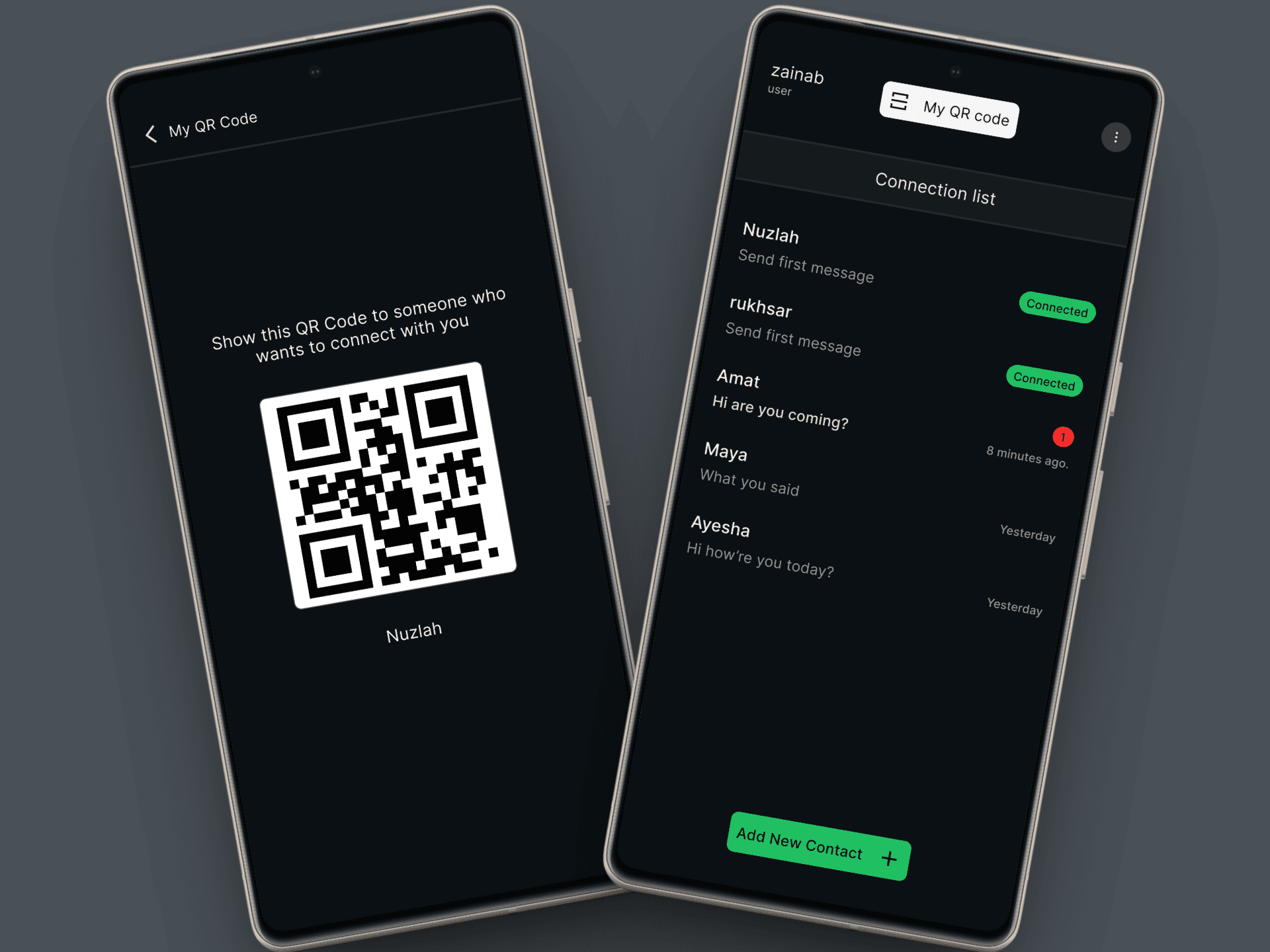
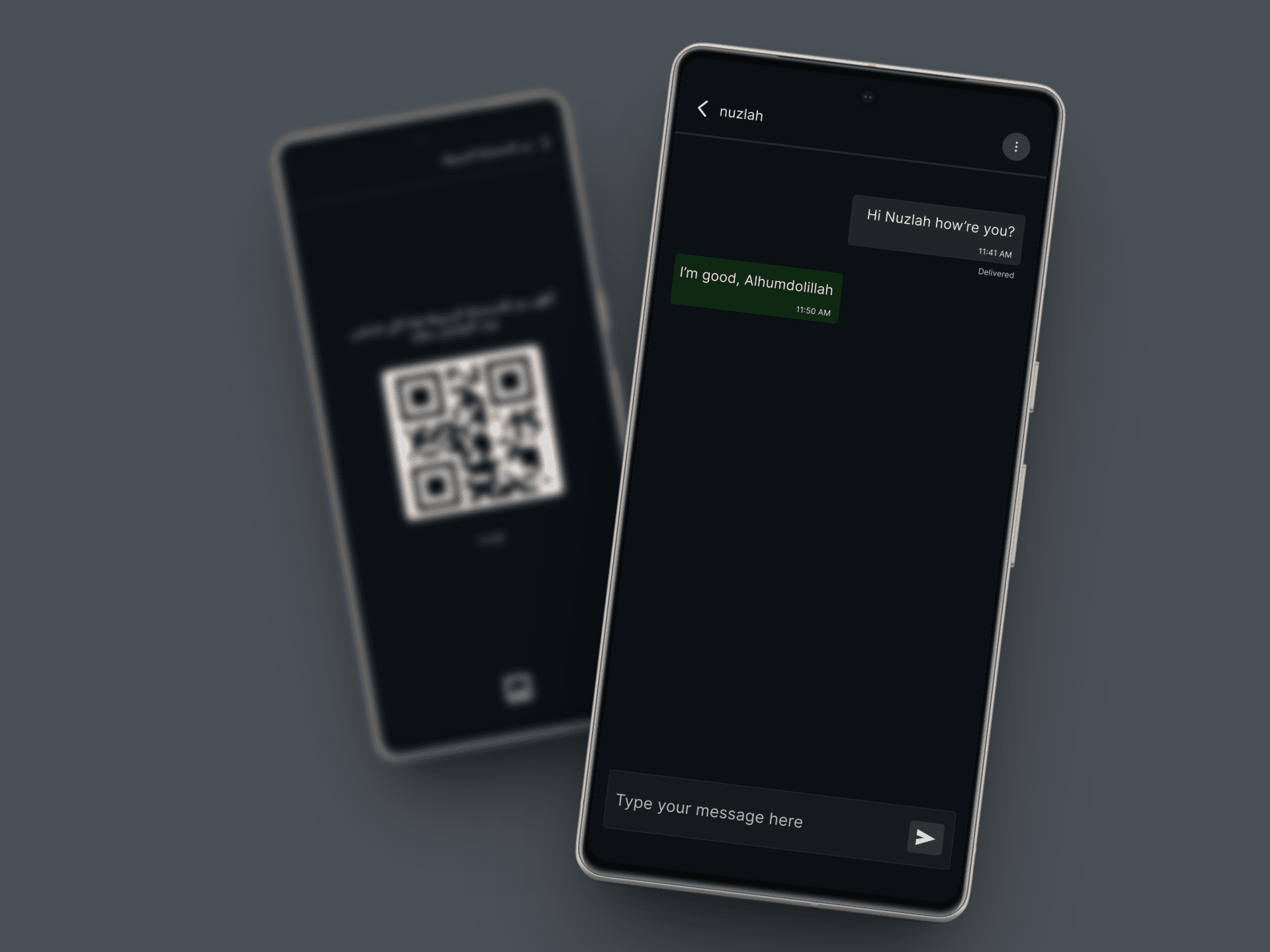
After installation, no internet, SIM card or Wi-Fi is required. The app will generates your unique QR code (like your ID). To add contacts, both users will need to scan each other’s QR codes. Once connected, you can start messaging each other fully offline
1
Step 1
Open the app – your unique QR code will be ready.
2
Step 2
Show your QR code to your friend to scan. Then scan your friend’s QR code.
3
Step 3
Once both QR codes are scanned, you’re connected! Start chatting offline.